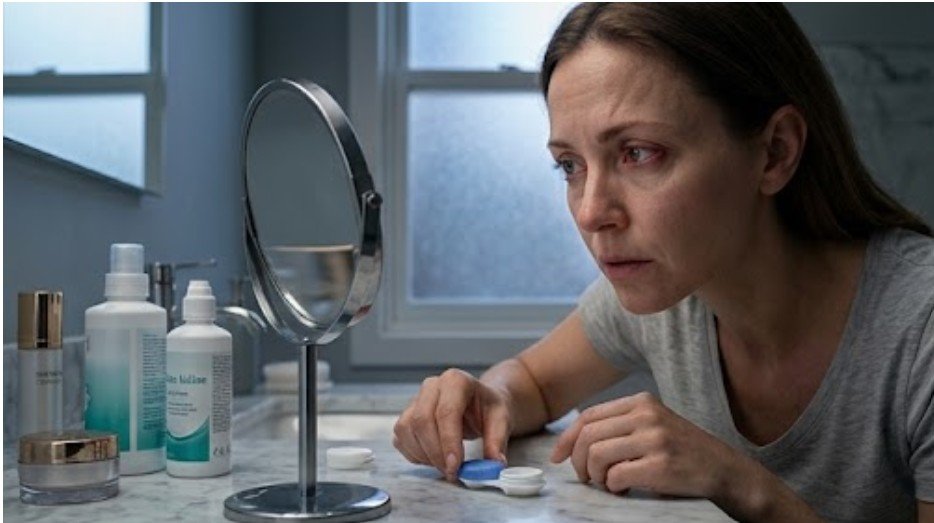
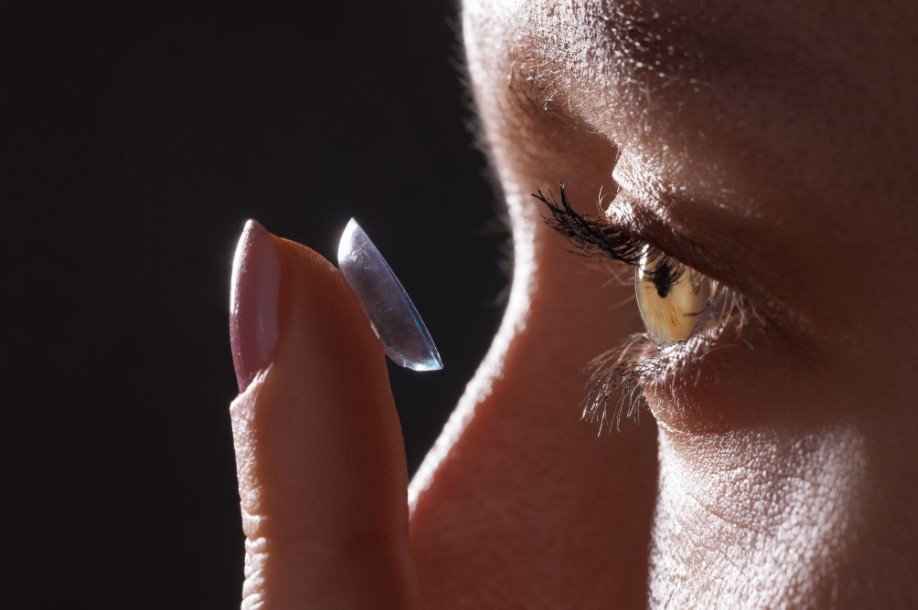
One minute, your contacts feel smooth and comfortable. A few hours into emails, video calls, or scrolling, they suddenly feel dry, scratchy, and almost sandy. When contacts feel gritty after screen time, your eyes are usually signaling that the tear layer around the lenses is breaking down faster than it can recover.
Screen concentration reduces complete blinking, allowing moisture to evaporate while friction builds between your eyelids and the lens surface. Dry indoor air, deposits, lens overwear, allergies, or a poor fit can make the sensation even worse. The good news is that a few immediate changes may restore comfort, while the right long-term habits can help prevent the problem from returning.
What Should I Do When My Contacts Feel Sandy Right Now?
Should I Remove My Contact Lenses Immediately?
I remove the lenses with clean, dry hands when discomfort persists, feels sharp, affects one eye more than the other, or returns immediately after blinking. Switching to glasses gives the eye surface a break and prevents continued rubbing from a dry, damaged, dirty, or poorly fitting lens.
Never rinse contacts with tap water. The Centers for Disease Control and Prevention advises keeping lenses away from water, using fresh contact-lens solution, and following the replacement schedule recommended by an eye care professional.
Which Eye Drops Help Gritty Contact Lenses?
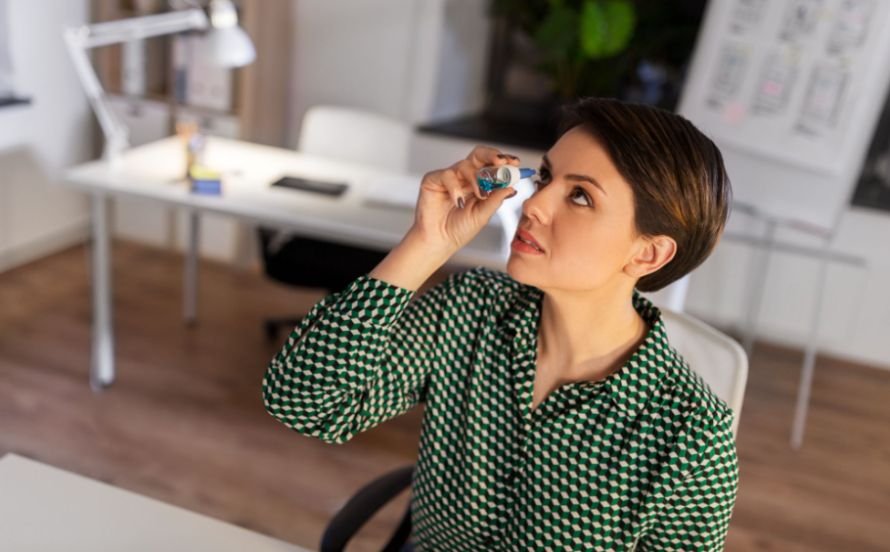
Preservative-free artificial tears may help relieve dryness after lens removal. While wearing contacts, use only rewetting drops labeled for your lens type or recommended by your optometrist. A product marketed for “redness relief” targets appearance rather than the underlying tear-film problem and may not be appropriate for repeated dryness.
Do not assume that every over-the-counter eye drop is contact-lens compatible. Read the label carefully and follow your eye doctor’s instructions, particularly if you need drops several times a day.
Can a Warm Compress Relieve Screen-Related Dryness?
After removing my lenses, I can place a clean, comfortably warm washcloth over closed eyes for about five minutes. Warm compresses may help soften oils released by the meibomian glands, which support the tear film’s protective outer layer. This may improve comfort when evaporative dry eye or eyelid-gland dysfunction contributes to the problem.
A warm compress cannot replace medical care when symptoms include pain, pronounced redness, discharge, light sensitivity, or sudden vision changes.
Why Do Screens Disrupt Contact Lens Comfort?
How Does Reduced Blinking Dry the Lens Surface?
Each complete blink spreads tears across the cornea and contact lens. While concentrating on email, spreadsheets, gaming, video calls, or a phone, I may blink less often or fail to close my eyelids fully. That leaves the tear layer exposed for longer and allows moisture to evaporate more rapidly.
This gradual moisture loss helps explain why contacts feel dry after a few hours, even when they feel comfortable at the beginning of the day. Prolonged screen use, reduced blinking, deposits, indoor airflow, and extended wearing time can progressively destabilize the tear film and increase friction against the lens surface.
Air conditioning, heating vents, fans, and low humidity can intensify the problem in US offices and homes. Mayo Clinic and the National Eye Institute recommend avoiding direct airflow, adding humidity when necessary, and taking regular breaks from digital screens to reduce dry-eye symptoms.
Do Dry Contacts Shrink, Warp, or Trap Debris?
Soft contact lenses depend on stable hydration and even surface wetting. As a lens dehydrates, it may feel tighter, rougher, or less stable. It may not dramatically shrink or warp in every case, but dryness can change how it moves and interacts with the eyelid.
An unevenly wetted lens can also collect makeup, dust, proteins, and natural oils. Describing the lens as “sandpaper” is an exaggeration, yet deposits can create rougher spots and greater friction. This commonly becomes more noticeable late in the day or near the end of a reusable lens’s replacement cycle.
How Can I Prevent Scratchy Contacts During Computer Work?
Does the 20-20-20 Rule Help Contact Lens Dryness?

Every 20 minutes, I look at something approximately 20 feet away for at least 20 seconds. This break relaxes near-focus effort and reminds me to make several slow, complete blinks.
Mayo Clinic recommends the 20-20-20 method and more frequent blinking as practical ways to reduce computer-related eye strain and dryness. The technique costs nothing and fits easily into most workday routines.
Should I Lower My Computer Monitor?
Positioning the monitor slightly below eye level reduces how widely the eyelids open, leaving less of the eye surface exposed between blinks. I also keep the screen about an arm’s length away, enlarge small text, reduce glare, and redirect air vents away from my face.
Understanding why contact lenses dry out in air conditioning can also help improve workstation comfort. Cool, low-humidity air and direct airflow from vents may speed up tear evaporation, causing lenses to feel gritty, tight, or uncomfortable during prolonged screen use.
Mayo Clinic specifically notes that placing the screen below eye level may help slow tear evaporation because the eyes do not need to remain as widely open.
Are Silicone Hydrogel Lenses Better for Screen Users?
Silicone hydrogel lenses generally allow more oxygen to reach the eye than traditional hydrogel materials. However, better oxygen transmission does not automatically guarantee relief from dryness. Lens design, water content, surface treatment, fit, replacement timing, tear quality, and individual sensitivity still influence comfort.
Rather than choosing a lens based solely on its material, ask an optometrist to assess how your current lenses fit and behave during a typical workday.
Are Daily Disposable Contacts Better Than Monthly Lenses?
Daily disposables provide a fresh lens each morning and avoid the cumulative deposits associated with cleaning and reusing the same pair. They do not eliminate every protein, oil, cosmetic, or dust deposit that can collect during the day, but they may improve convenience and comfort for some screen-heavy wearers.
Whatever lens schedule you follow, replace lenses on time and keep backup glasses nearby. The CDC emphasizes replacement compliance and access to glasses as part of healthy contact-lens wear.
When Is a Gritty Contact Lens a Medical Warning Sign?
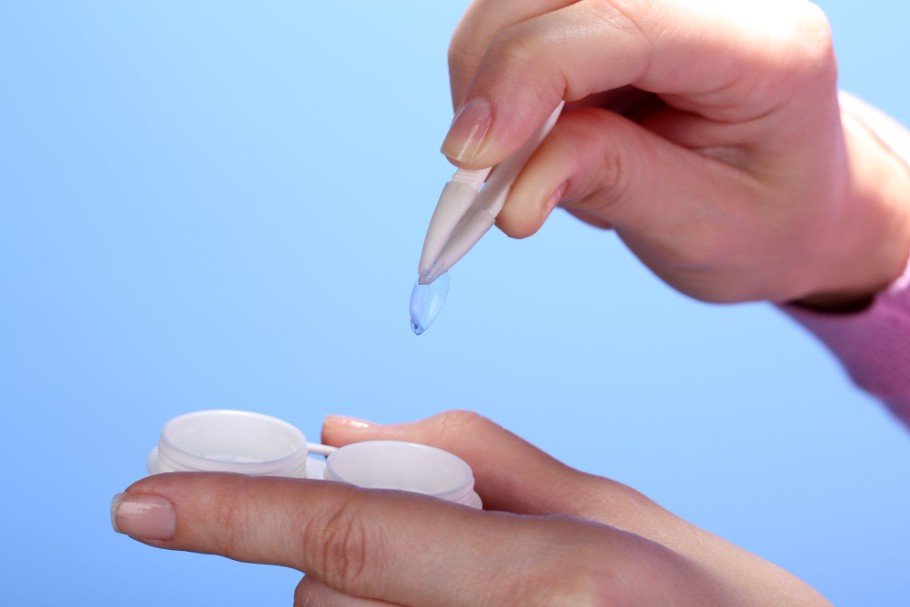
Simple dryness often improves after lens removal, complete blinking, rest, or an appropriate lubricating product. Infection or corneal inflammation may not.
Remove the lenses and contact an eye doctor promptly when you experience worsening pain, significant redness, unusual tearing or discharge, light sensitivity, sudden blurry vision, or discomfort that continues after lens removal. The CDC identifies these symptoms as potential warning signs of contact-lens-related microbial keratitis, which requires timely professional evaluation.
Frequently Asked Questions
1. Why Do Contacts Feel Gritty After Screen Time but Not in the Morning?
Fresh lenses and a more stable morning tear film may initially feel comfortable. Hours of incomplete blinking, dry indoor air, lens deposits, and extended wear can gradually destabilize the lens surface.
2. Why Does My Vision Clear When I Blink?
A complete blink temporarily smooths and redistributes the tear layer over the lens. When the blur returns quickly, evaporative dryness or an unstable tear film may be contributing to the problem.
3. Why Does Only One Contact Lens Feel Scratchy?
One-sided discomfort may come from trapped debris, a torn or inside-out lens, uneven dryness, poor fit, or irritation on the eye surface. Remove and inspect the lens instead of rubbing your eye or continuing to wear it.
Keep Your Contacts Comfortable Through the Workday
I do not treat gritty lenses as an unavoidable price of computer work. Complete blinking, regular screen breaks, a lower monitor, controlled airflow, correct replacement habits, and an appropriate lens material can make a meaningful difference.
When these adjustments fail, an eye examination can identify dry-eye disease, eyelid-gland dysfunction, allergies, prescription changes, or lens-fit problems. Addressing the actual cause protects both daily comfort and long-term eye health.